Documentation
Kuberniq is a cross-platform Kubernetes IDE that gives you real-time resource management, pod terminals, log streaming, port forwarding, metrics visualization, Helm chart management, and YAML editing — all in a single desktop application. No server-side agents, no browser plugins, just a native app that connects directly to your clusters.
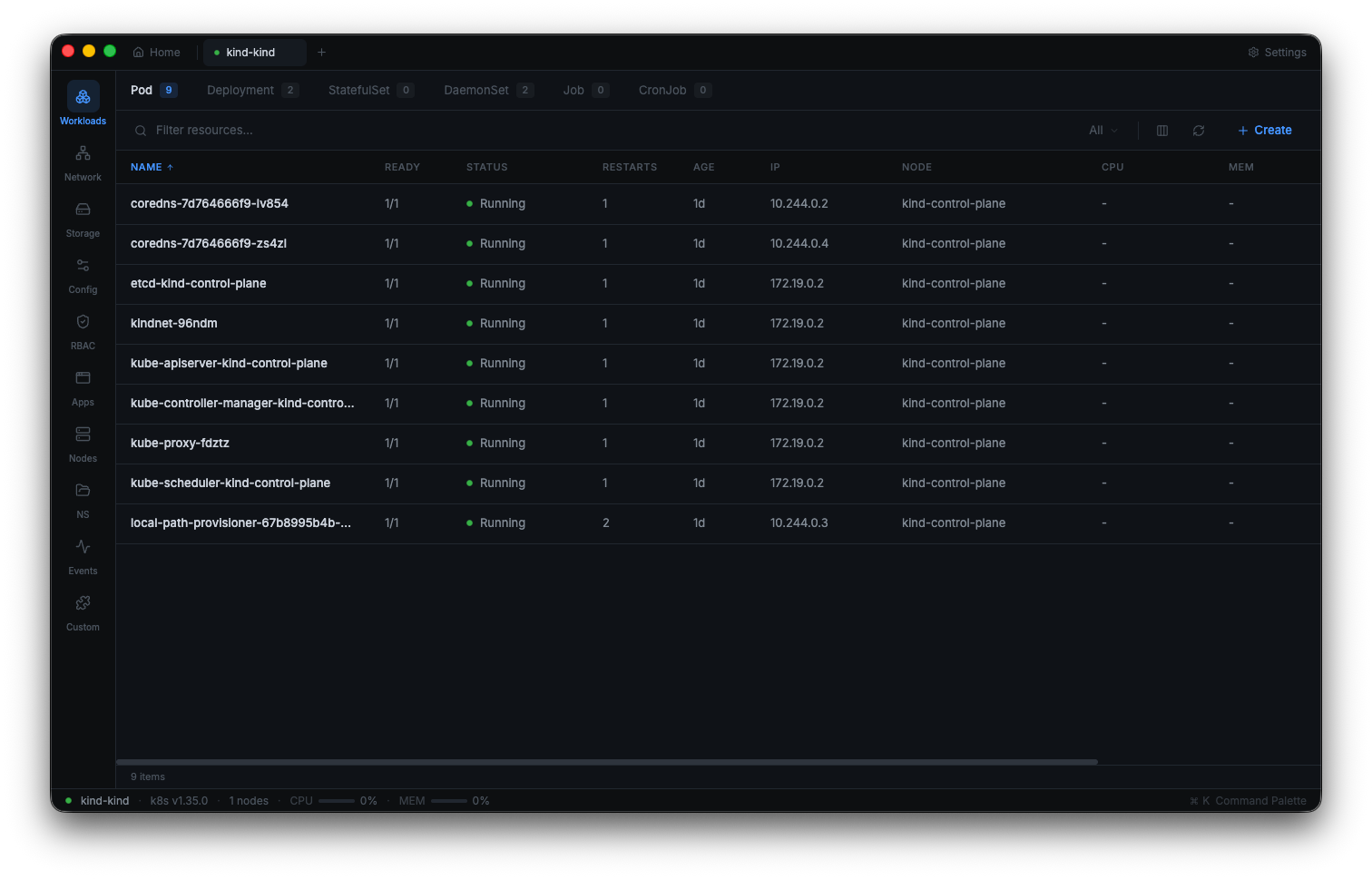
Documentation Sections
- Getting Started — Download, install, and connect to your first cluster in under two minutes.
- Cluster Connection — Multi-cluster support, browser-style tabs, namespace filtering, and connection management.
- Resource Management — Browse, create, edit, and delete 28+ Kubernetes resource types with real-time updates.
- Pod Terminal — One-click exec into any running container with full terminal emulation.
- Log Streaming — Real-time log streaming with search, timestamps, follow mode, and container selection.
- YAML Editor — Monaco-powered editor with Kubernetes schema validation and intelligent completion.
- Helm — Browse chart catalogs, install charts, manage releases, upgrade, and rollback.
- Metrics & Monitoring — CPU and memory charts with Prometheus and metrics-server support.
- Port Forwarding — Forward local ports to pod containers with intelligent port suggestions.
- File Browser — Browse pod and PVC filesystems with file listings and content retrieval.
- Command Palette — Fuzzy search across all resources and quick navigation with keyboard shortcuts.
- Resource Graph — Interactive topology visualization of resource relationships and cluster-wide maps.
- Prometheus Queries — Custom PromQL queries with interactive chart visualization.
- Health Monitor — Real-time pod health classification with cluster health scoring.
- Batch Scaler — Scale multiple workloads simultaneously with saved presets.
- Settings — Configure appearance, cloud providers, kubeconfig files, and per-cluster settings.
System Requirements
Supported Operating Systems
- macOS — macOS 12 Monterey or later (Intel and Apple Silicon)
- Windows — Windows 10 version 1809 or later (x64)
- Linux — Ubuntu 20.04+, Fedora 36+, Debian 11+, or any distribution with glibc 2.31+ (x64)
Hardware
- RAM — 4 GB minimum (8 GB recommended for large clusters)
- Disk — 200 MB of available disk space
- Network — TCP connectivity to your Kubernetes API server (typically port 6443)
Prerequisites
- A valid kubeconfig file (usually at
~/.kube/config) with at least one cluster context configured - Network access to the Kubernetes API server for each cluster you want to manage
- For metrics features: metrics-server or Prometheus deployed in your cluster
- For Helm features: no additional prerequisites — Kuberniq includes its own Helm client