Resource Graph
Kuberniq provides interactive graph visualizations that show the relationships between Kubernetes resources. There are two graph views: a per-resource graph available in the detail panel, and a full cluster topology map accessible from the sub-bar.
Resource Detail Graph
When viewing any resource in the detail panel, the Graph tab shows a focused relationship graph centered on that resource. The graph displays both forward and reverse relationships, such as:
- Deployments and their ReplicaSets and Pods
- Services and the Pods they route to
- Ingresses and the Services they reference
- ConfigMaps and Secrets mounted by Pods
- PersistentVolumeClaims used by Pods
- HorizontalPodAutoscalers and their target workloads
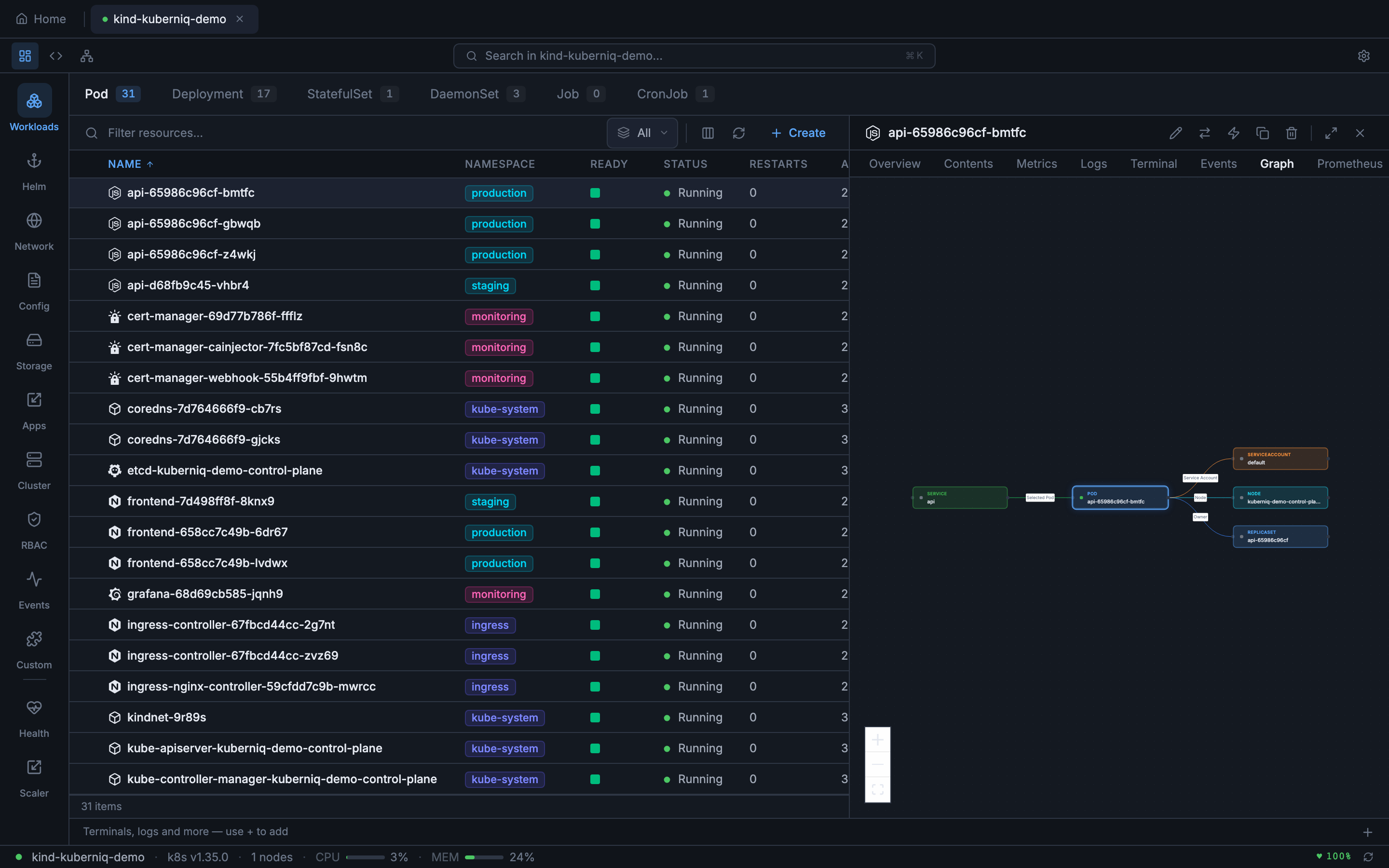
Click any node in the graph to navigate directly to that resource's detail view.
Cluster Graph
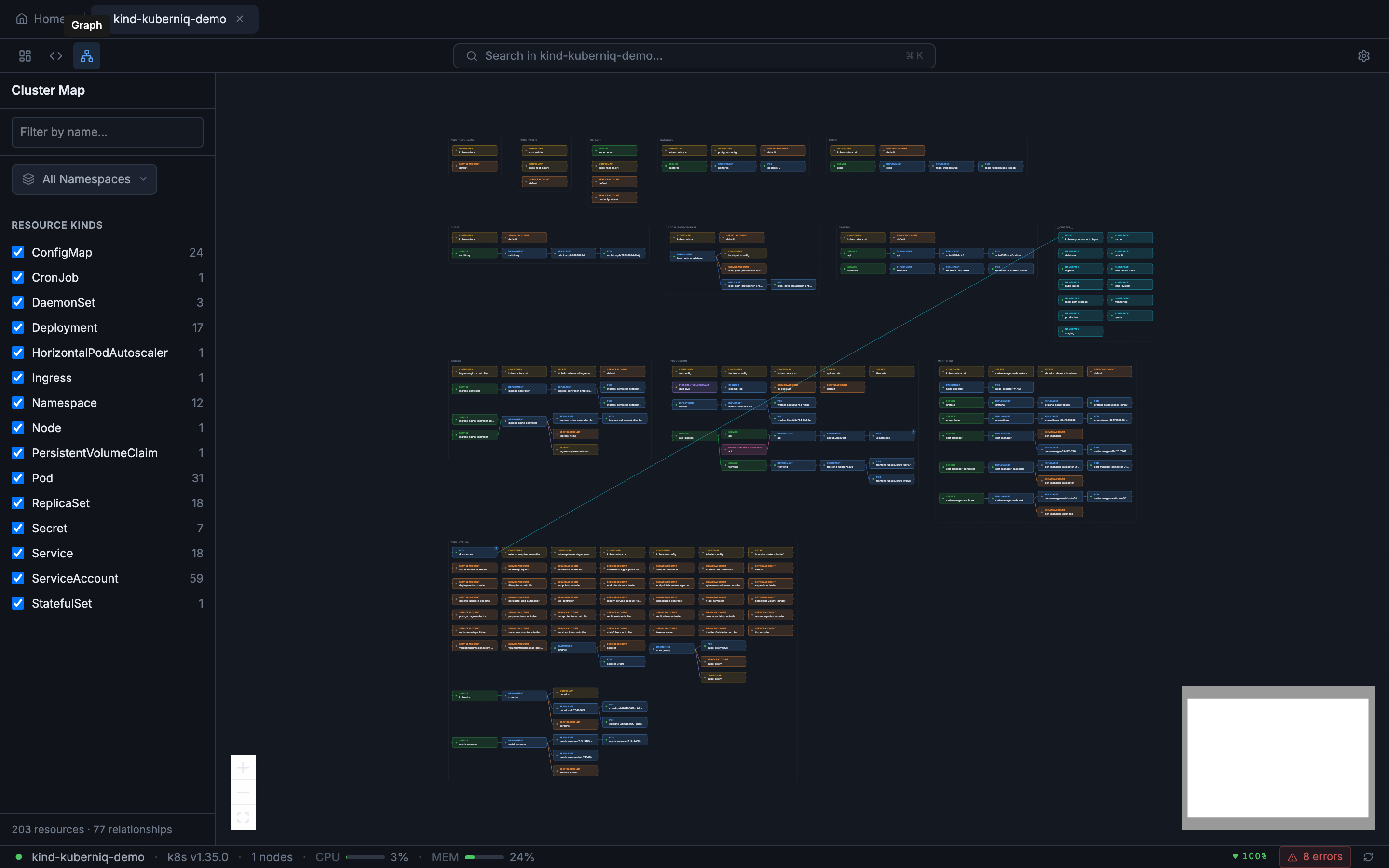
The Cluster Graph (ClusterMap) shows the full topology of your cluster. Access it by clicking the graph icon in the sub-bar view mode switcher. The map displays resources grouped by namespace with edges showing their relationships. Supported resource types include:
- Nodes, Namespaces, Deployments, StatefulSets, DaemonSets, ReplicaSets
- Pods, Services, Ingresses, ConfigMaps, Secrets
- PersistentVolumeClaims, Jobs, CronJobs, HorizontalPodAutoscalers, ServiceAccounts
Graph Layout
Both graph views use the ELK (Eclipse Layout Kernel) algorithm for automatic node positioning. The layout engine arranges nodes to minimize edge crossings and produce a clean, readable graph. The layout is computed asynchronously and updates automatically as resources change.
Interaction
The graph supports standard interaction controls:
- Pan — Click and drag the background to pan the viewport
- Zoom — Scroll to zoom in and out, or use the zoom controls
- Click — Click any resource node to navigate to its detail view
- Minimap — The cluster graph includes a minimap for orientation in large clusters
- Namespace filter — Filter the cluster graph to specific namespaces