Batch Scaler
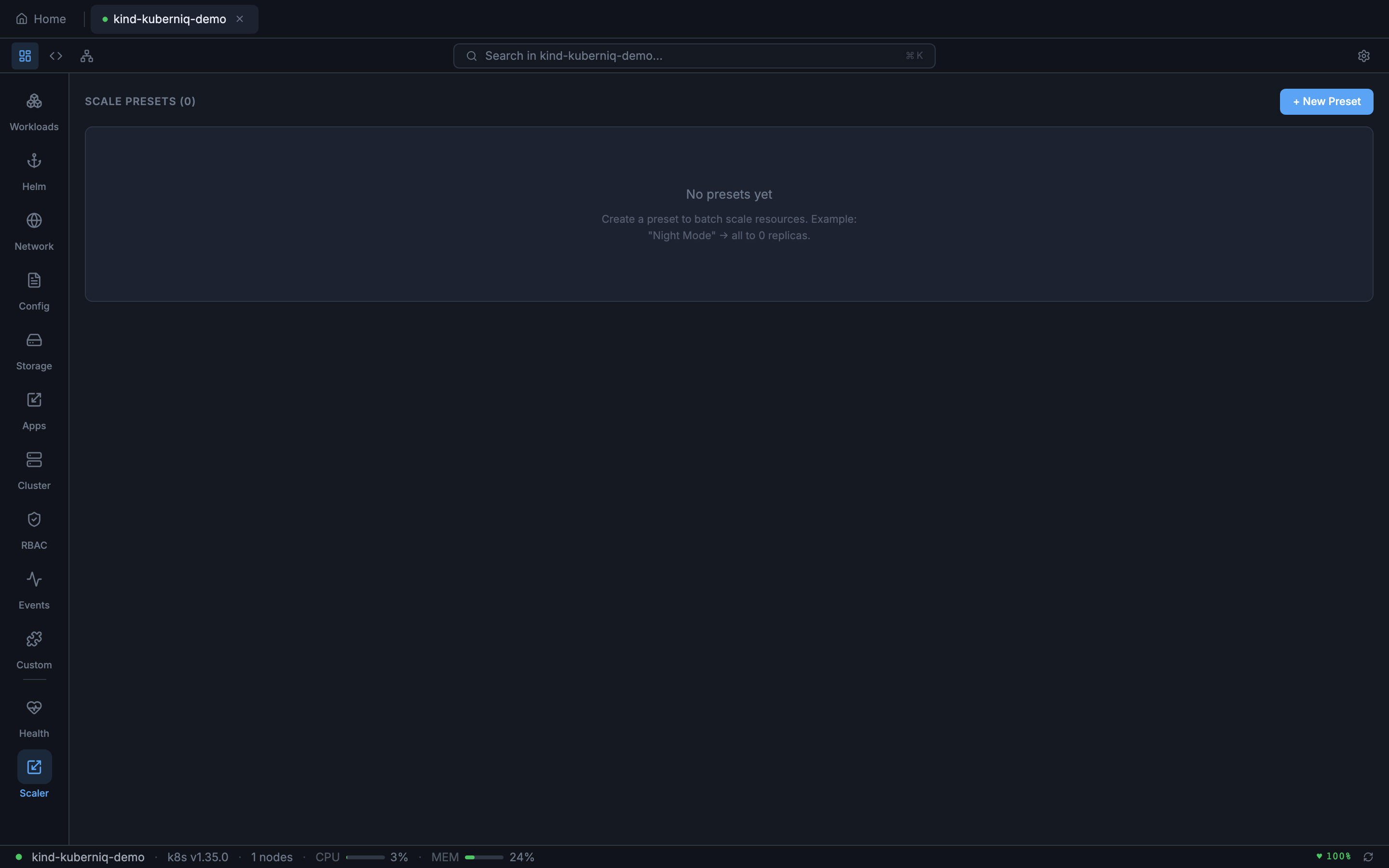
The Batch Scaler lets you scale multiple Deployments and StatefulSets at once using saved presets. This is useful for scenarios like scaling down non-critical workloads during off-hours, scaling up for load testing, or quickly switching between different capacity configurations. Access it by clicking the Scaler button in the sidebar.
Scaling Targets
The Batch Scaler works with Deployments and StatefulSets across all namespaces. Each target shows the workload name, namespace, kind, and the desired replica count. You can select which workloads to include in a scaling operation.
Presets
Presets save a named collection of scaling targets with their desired replica counts. You can create multiple presets for different scenarios:
- Create a preset — Select workloads, set replica counts, name and describe the preset
- Edit presets — Modify targets and replica counts in existing presets
- Delete presets — Remove presets you no longer need
Presets are persisted across sessions, so they are available every time you connect to the cluster.
Applying Presets
To apply a preset, select it and click Apply. Kuberniq scales all targets in the preset to their configured replica counts in a single batch operation. The current replica count of each workload is shown alongside the preset target so you can see what will change before applying.